PVE 升级 (8 -> 9)
PVE 8 在 2026.8.31 之后不再提供支持,又准备装 Ubuntu 26.04,要用 7.x 的 Linux kernel,所以顺手升级了
- Ref: Upgrade from 8 to 9 - Proxmox VE
升级前准备
更新 apt 源并做 upgrade
1 | apt update |
pveversion 应当输出 8.4 以上的版本,随后
reboot 重启系统
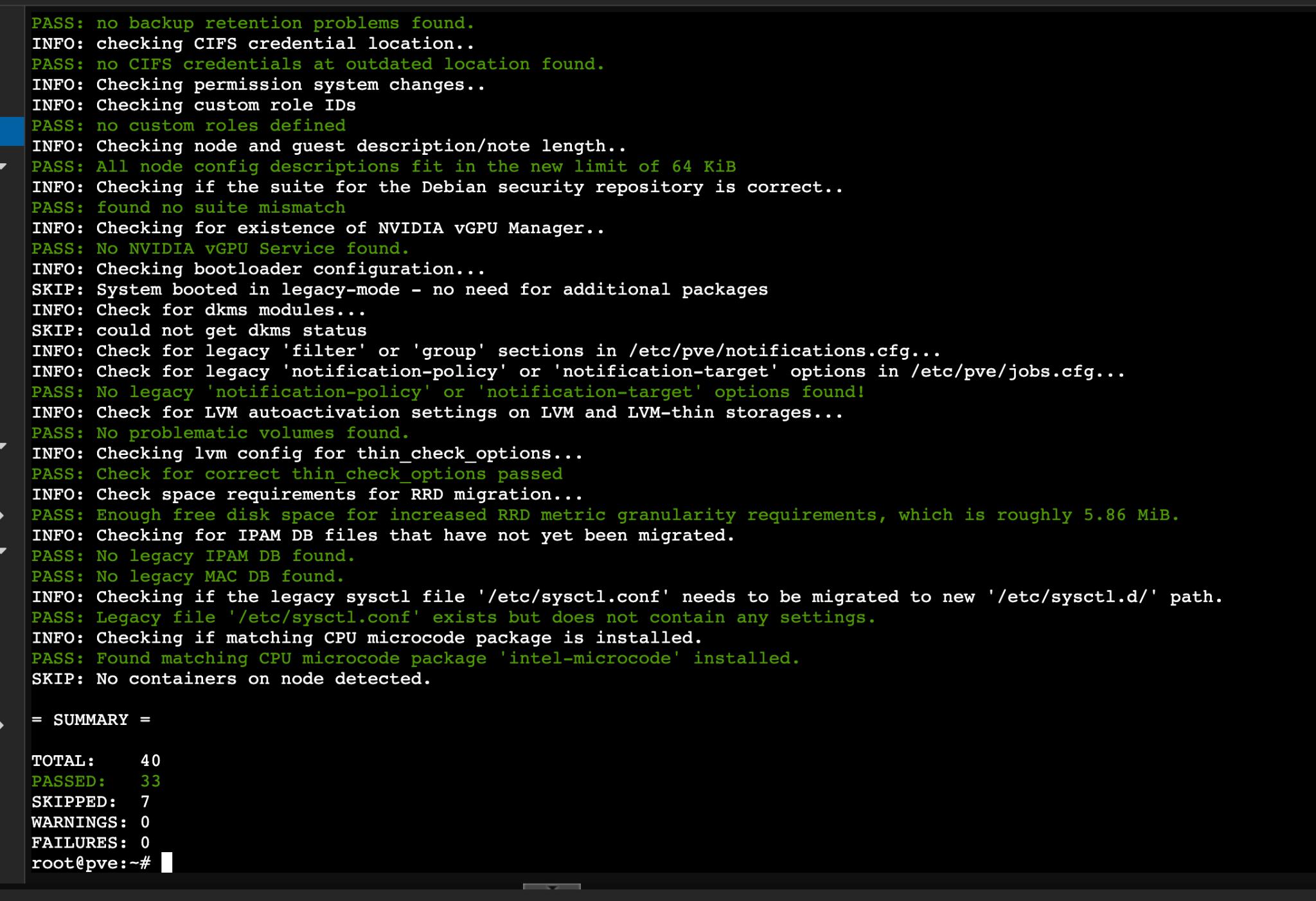
1 | pve8to9 --full |
通过官方的 pve8to9 脚本检查系统情况,确保没有 warning /
error,或已经解决好这些问题
检查 apt 源,主要看一下是不是都是 bookworm
1 | grep -R --line-number --no-messages \ |

我没有
Ceph
接着先做一个备份
1 | cp -a /etc/apt/sources.list /etc/apt/sources.list.bak-pve8 |
禁用 ceph 源,
1 | mv /etc/apt/sources.list.d/ceph.list \ |
升级到 trixie
1 | sed -i 's/bookworm/trixie/g' /etc/apt/sources.list |
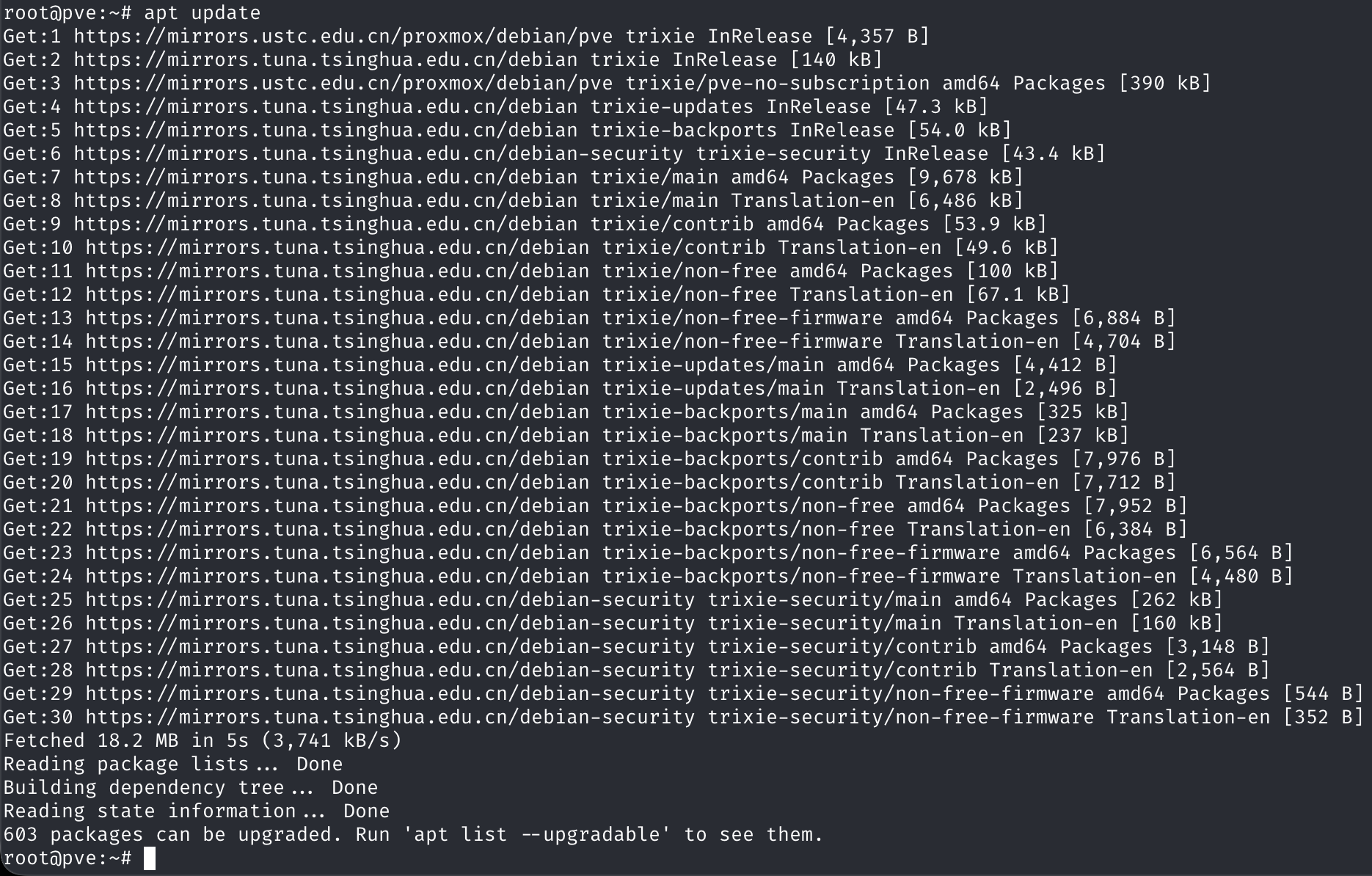
随后更新 apt 源
1 | apt update |
进行升级
1 | apt dist-upgrade |
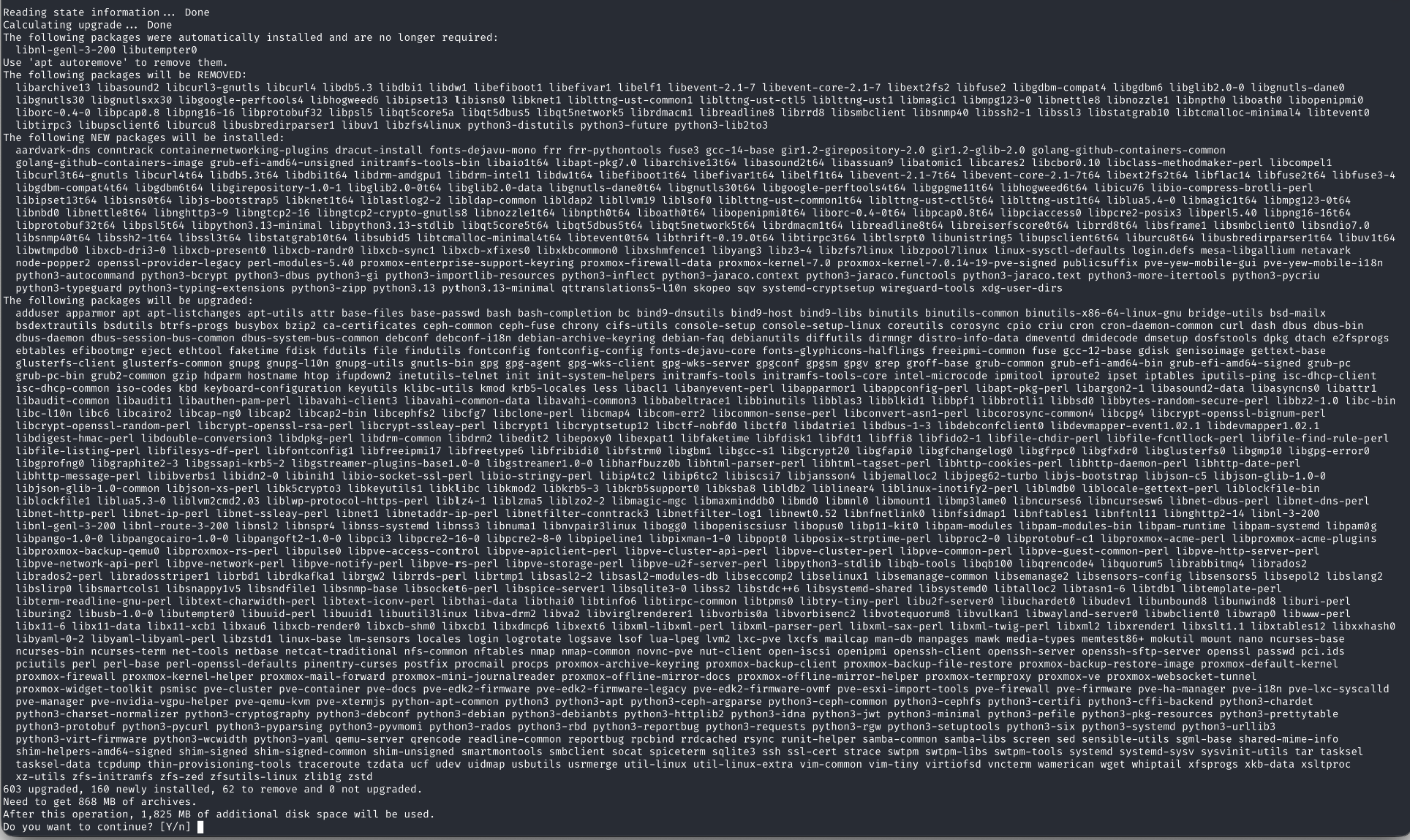
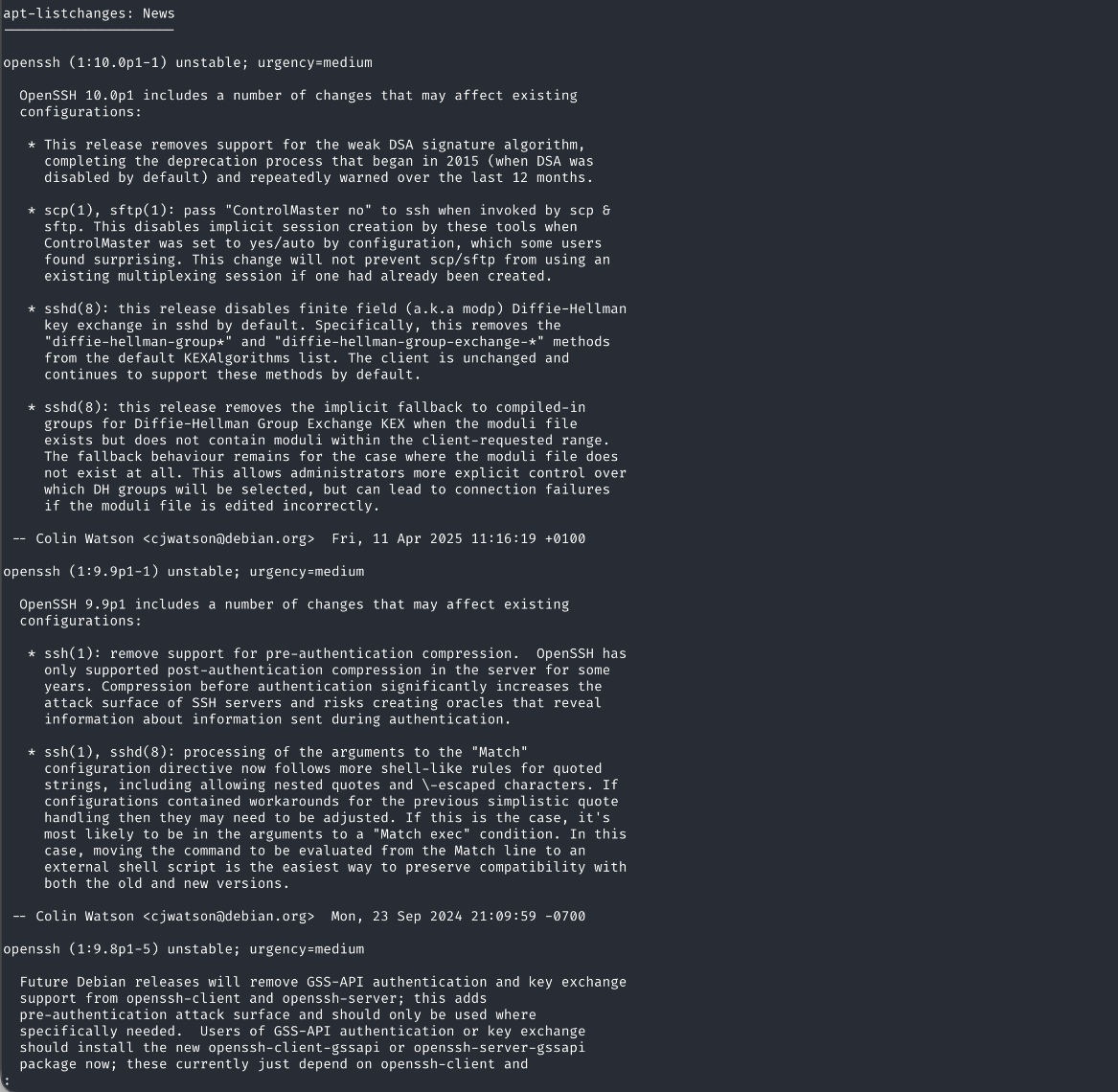
确认一下软件包然后 y,期间会跳一个 news
出来,:q 退出
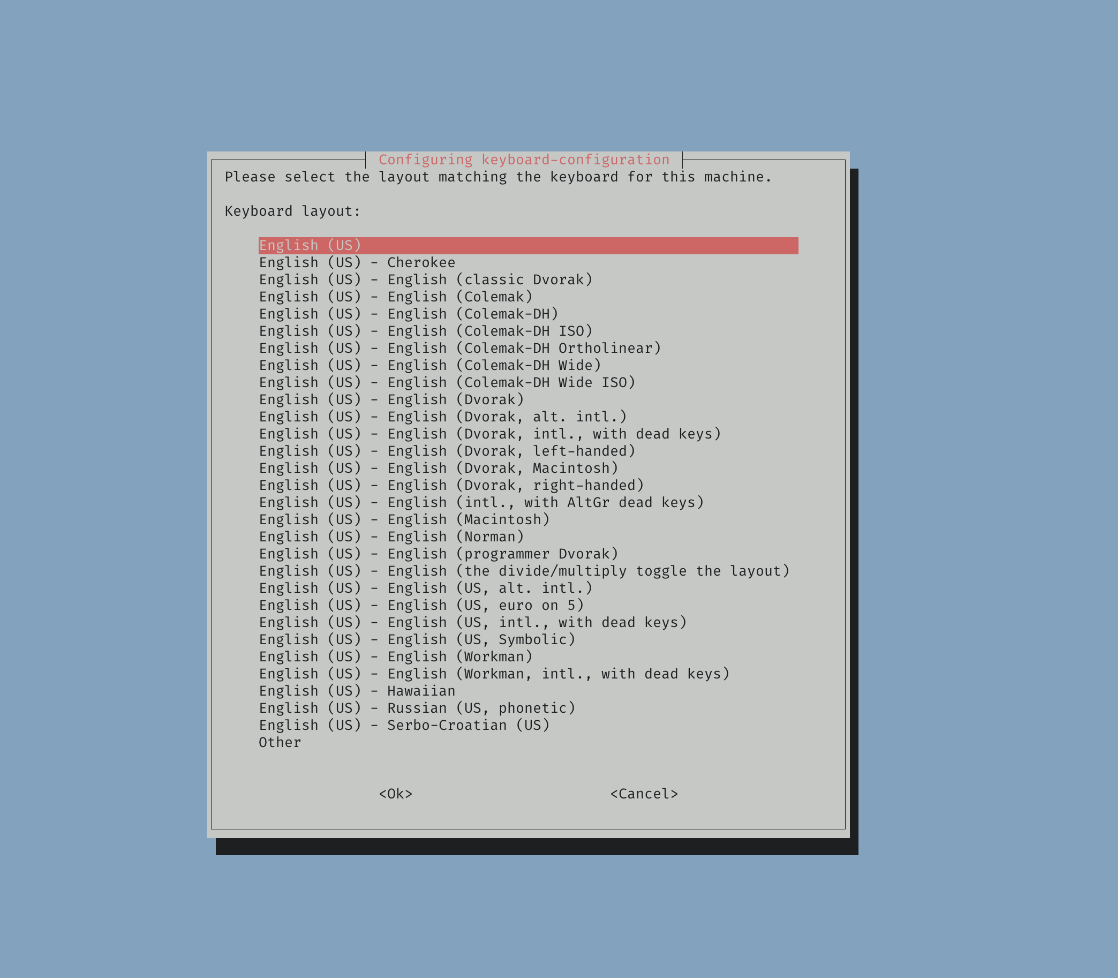
期间还有一个选布局的,我选的第一个
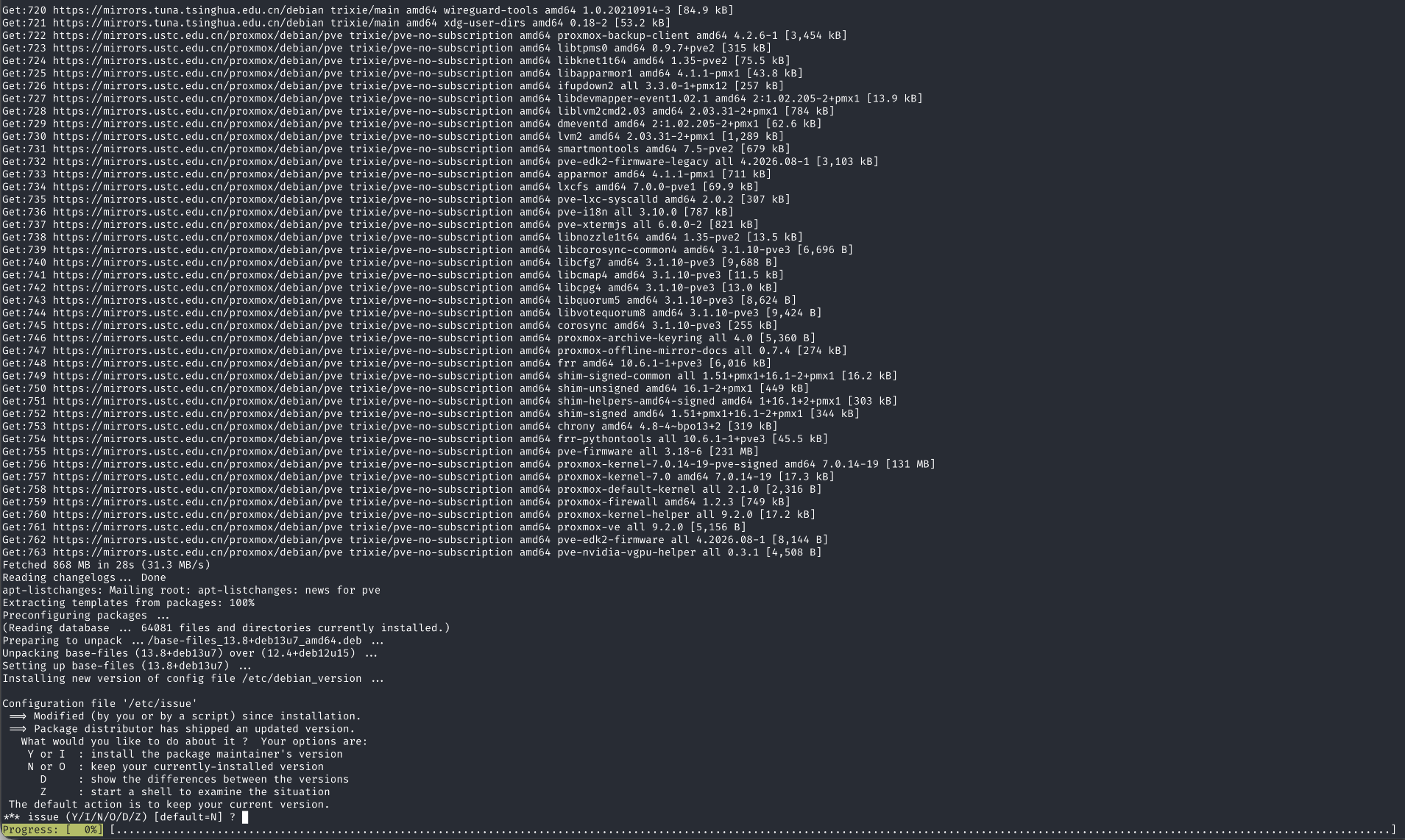
然后会有几次让你选新旧配置文件的提示,除了下面这个,我选了
Y,其他的都因为有修改过默认配置,所以都是 N
保留旧 config
升级完成
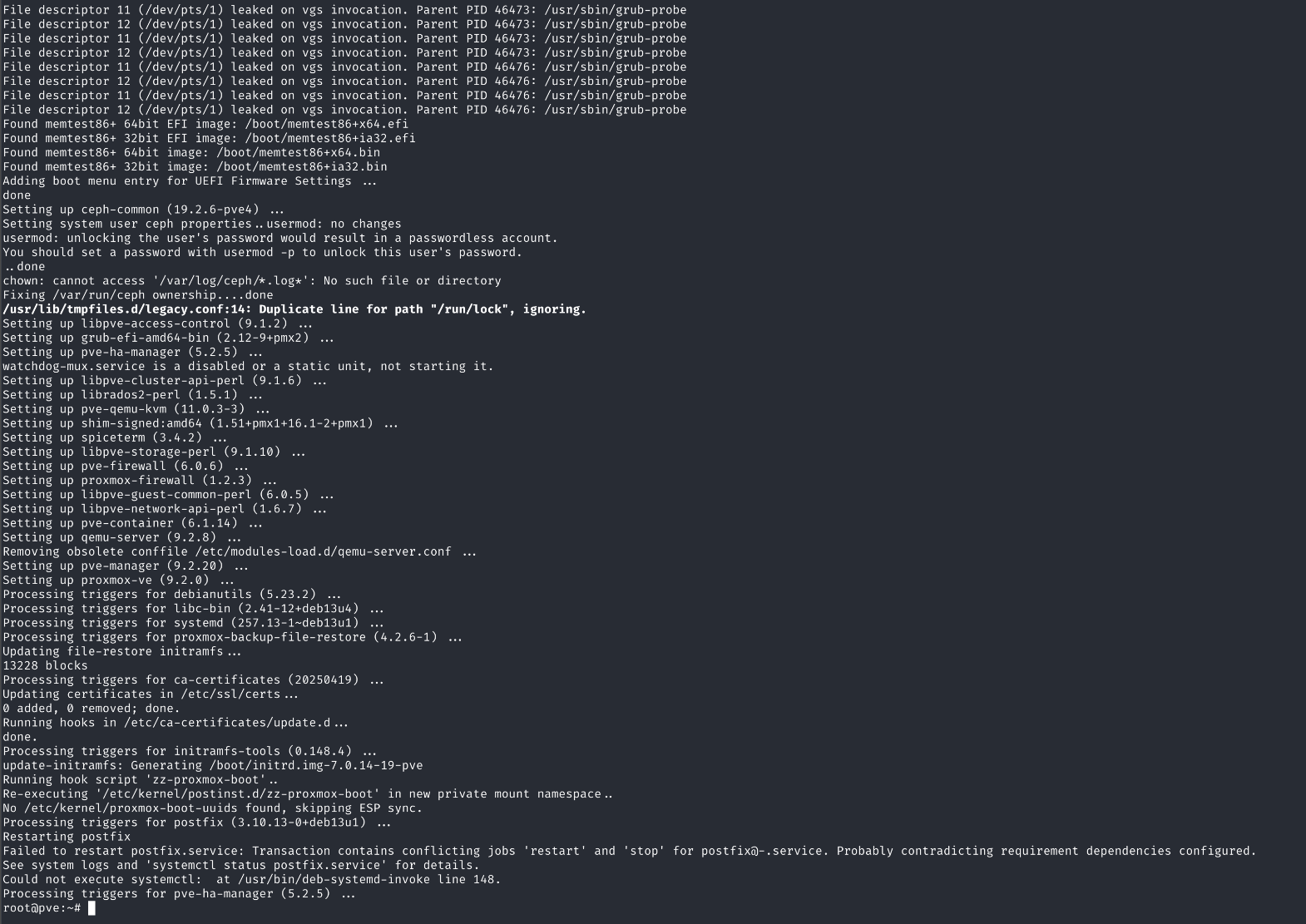
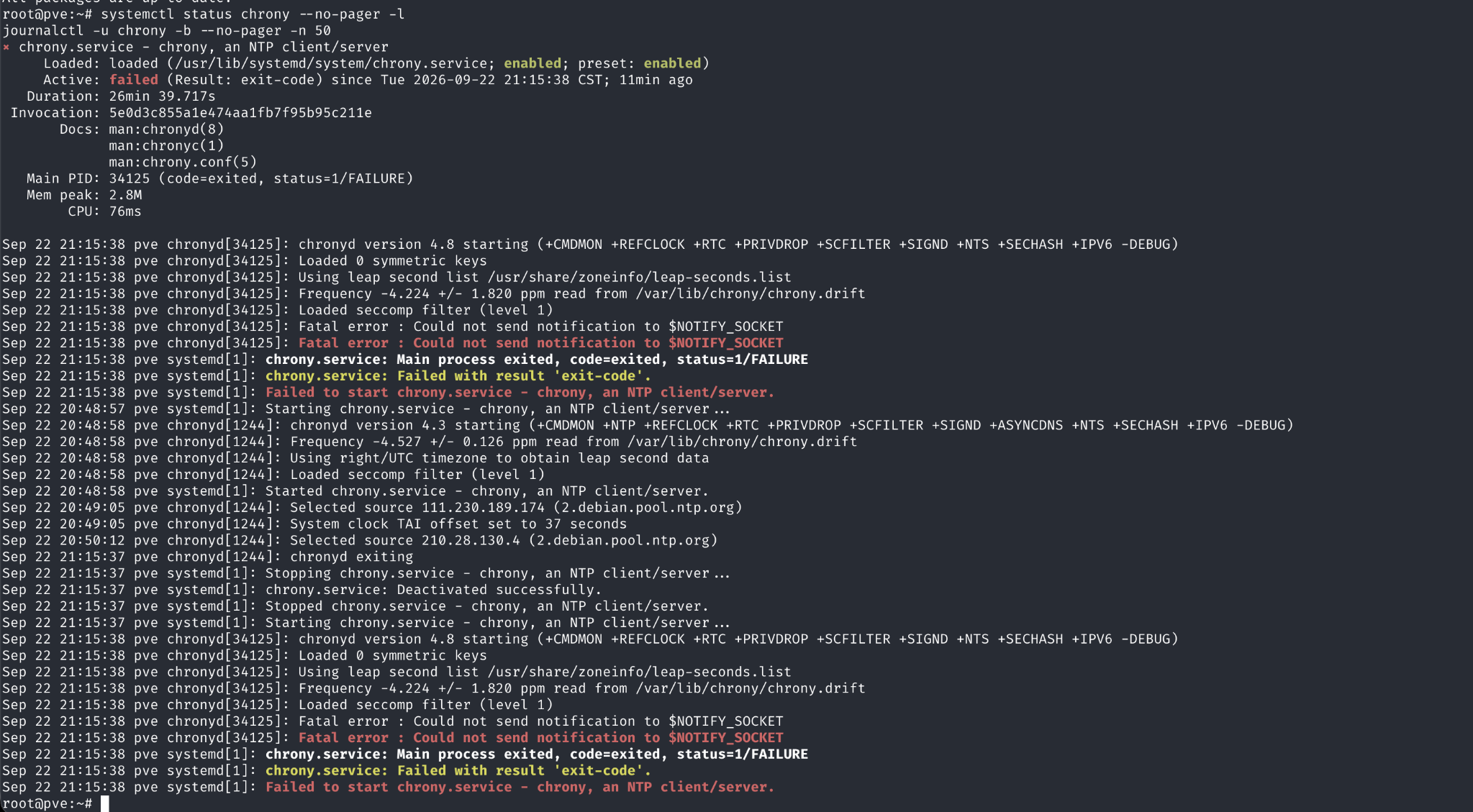
最后升级完会有一个 service 挂了,但是我重启了一下就好了